Silver Scribe
A downloadable log for Windows
[RECENT MAJOR UPDATE! YOU CAN MAKE SHEETS OF YOUR OWN NOW!]
Silver Scribe is where I will be keeping information on my books and characters, as well as tools to make character sheets of your own! (Though it does not support images yet.)
All chapters posted on this site will no longer receive edits beyond small ones that do not affect lore, unless I find something that completely breaks the lore. In that scenario, I will give an announcement first.
App includes:
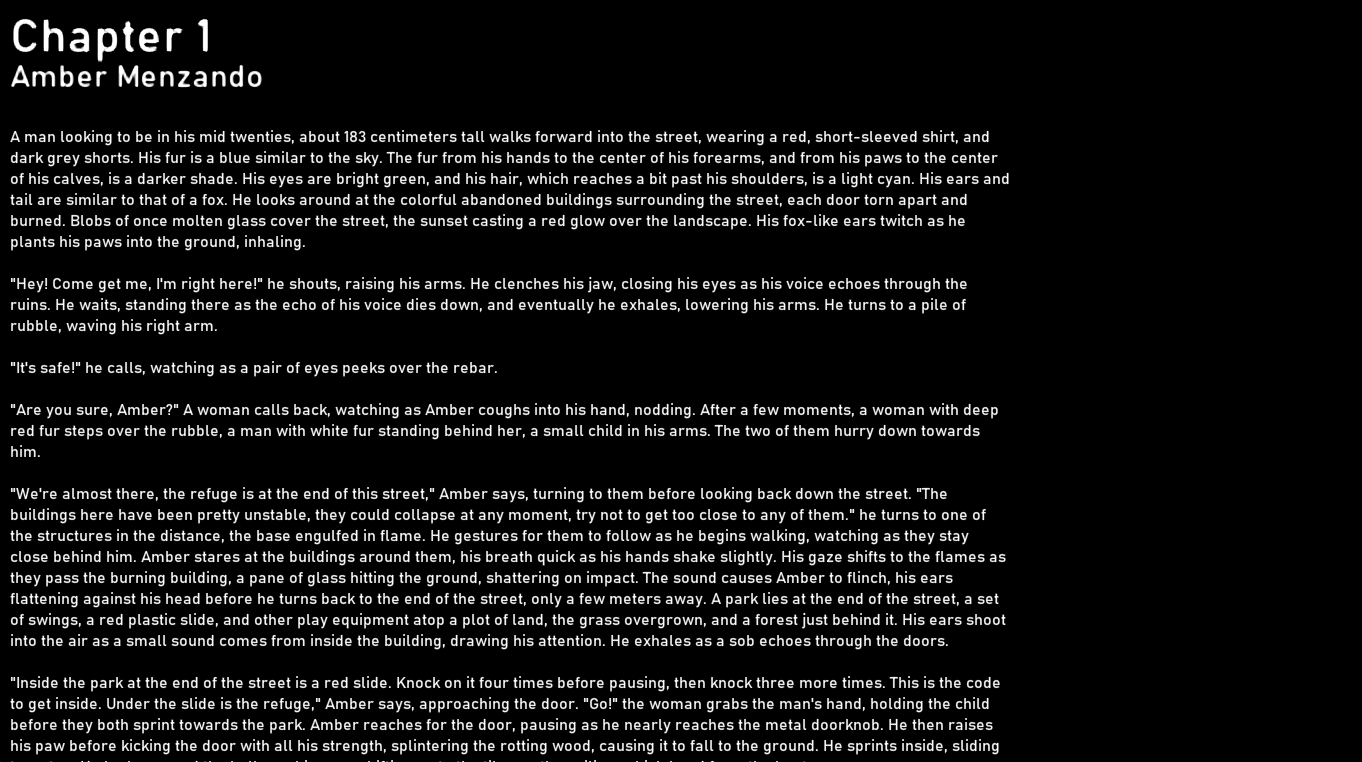
- My book.
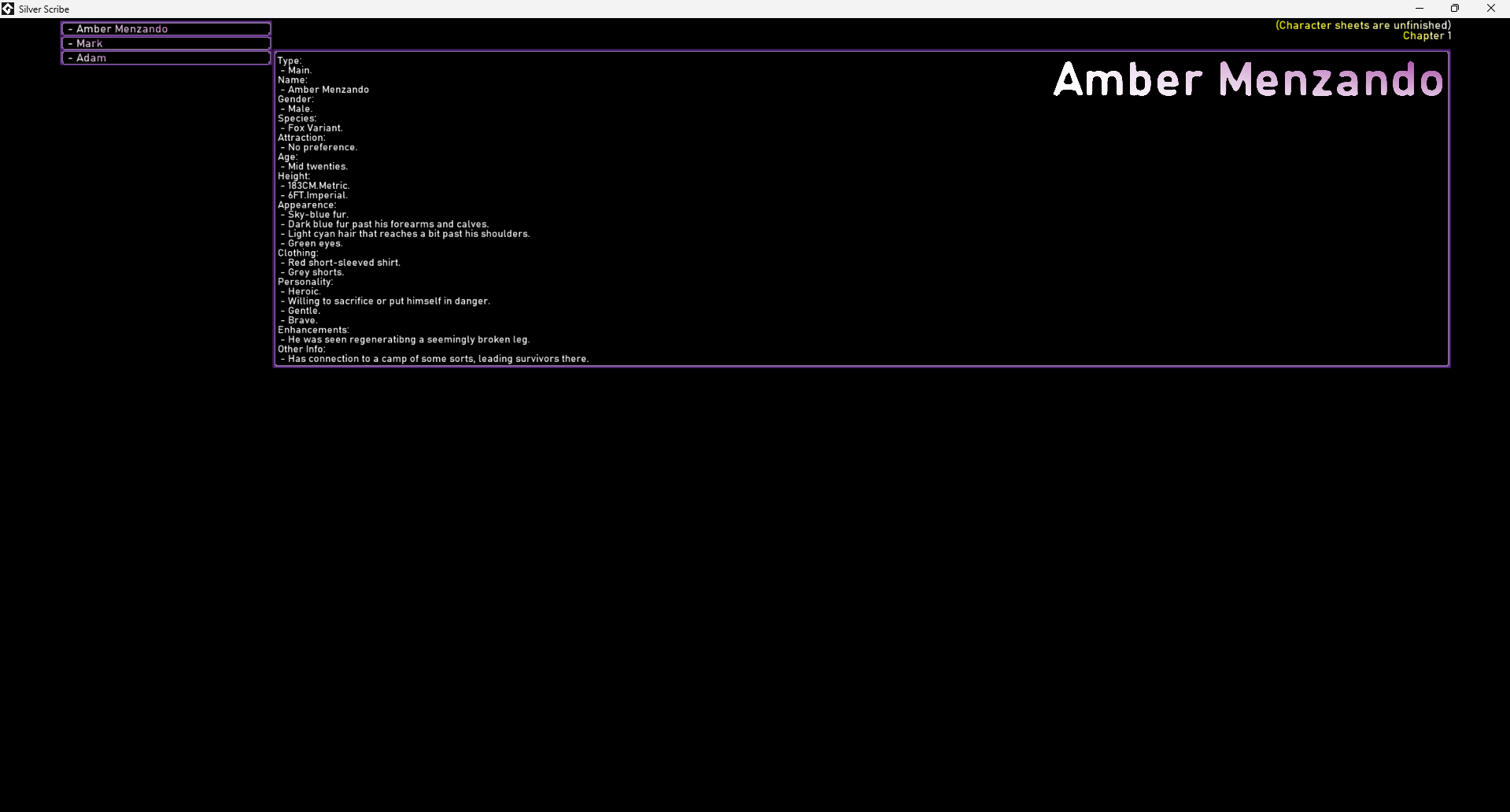
- My character sheets (though unfinished for now).
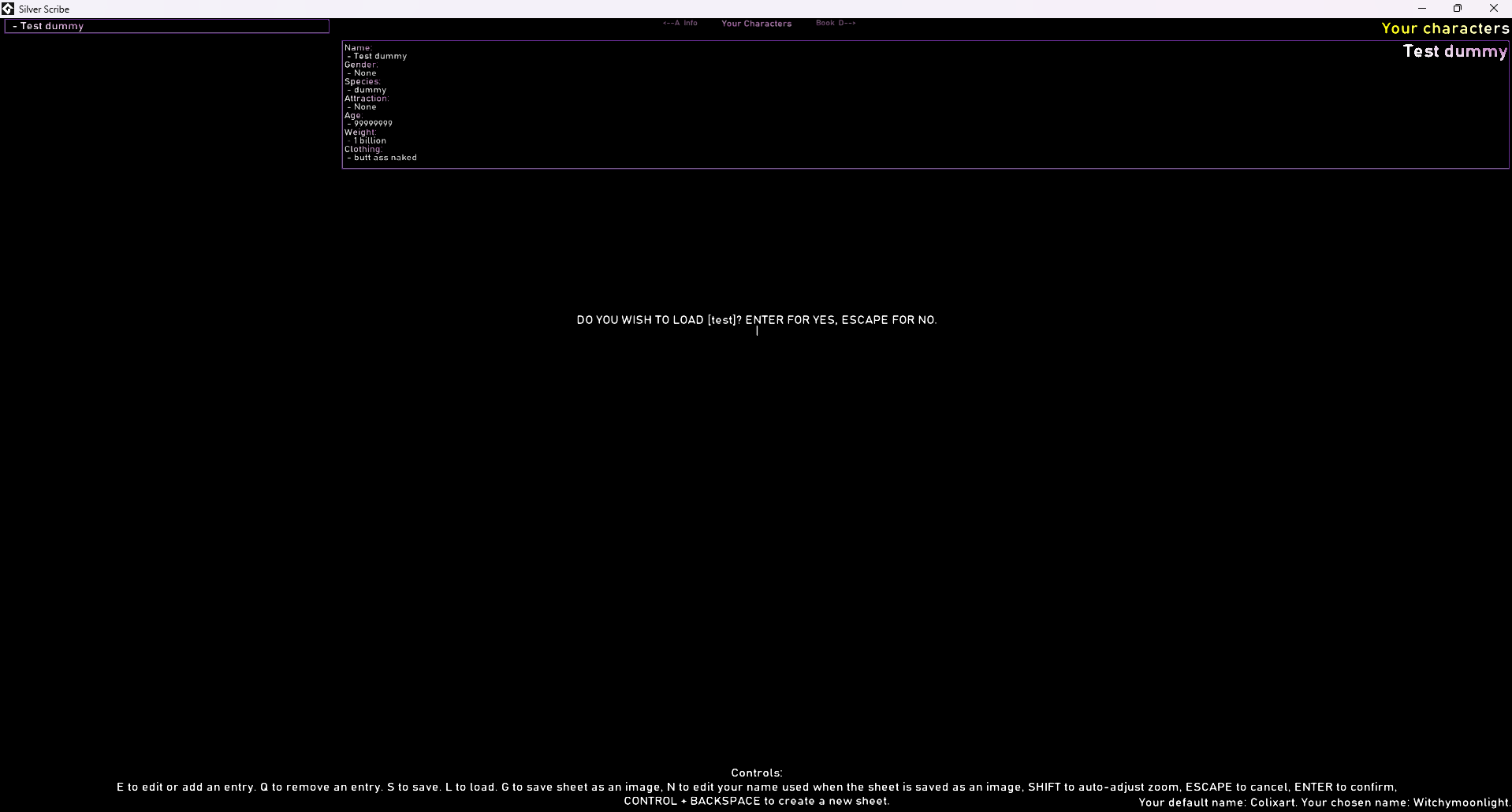
- Custom character sheet creator for you to use! (Working, but unpolished at the moment)
- Facts about my book.
- An update tab with updates in case I have to change anything in the book.
Unfortunate development: My pc is broken. I am aware of a few bugs and things I need to improve, but until my pc is working again, I cannot make any updates. Things that need to be fixed and that I plan to fix when my PC is working:
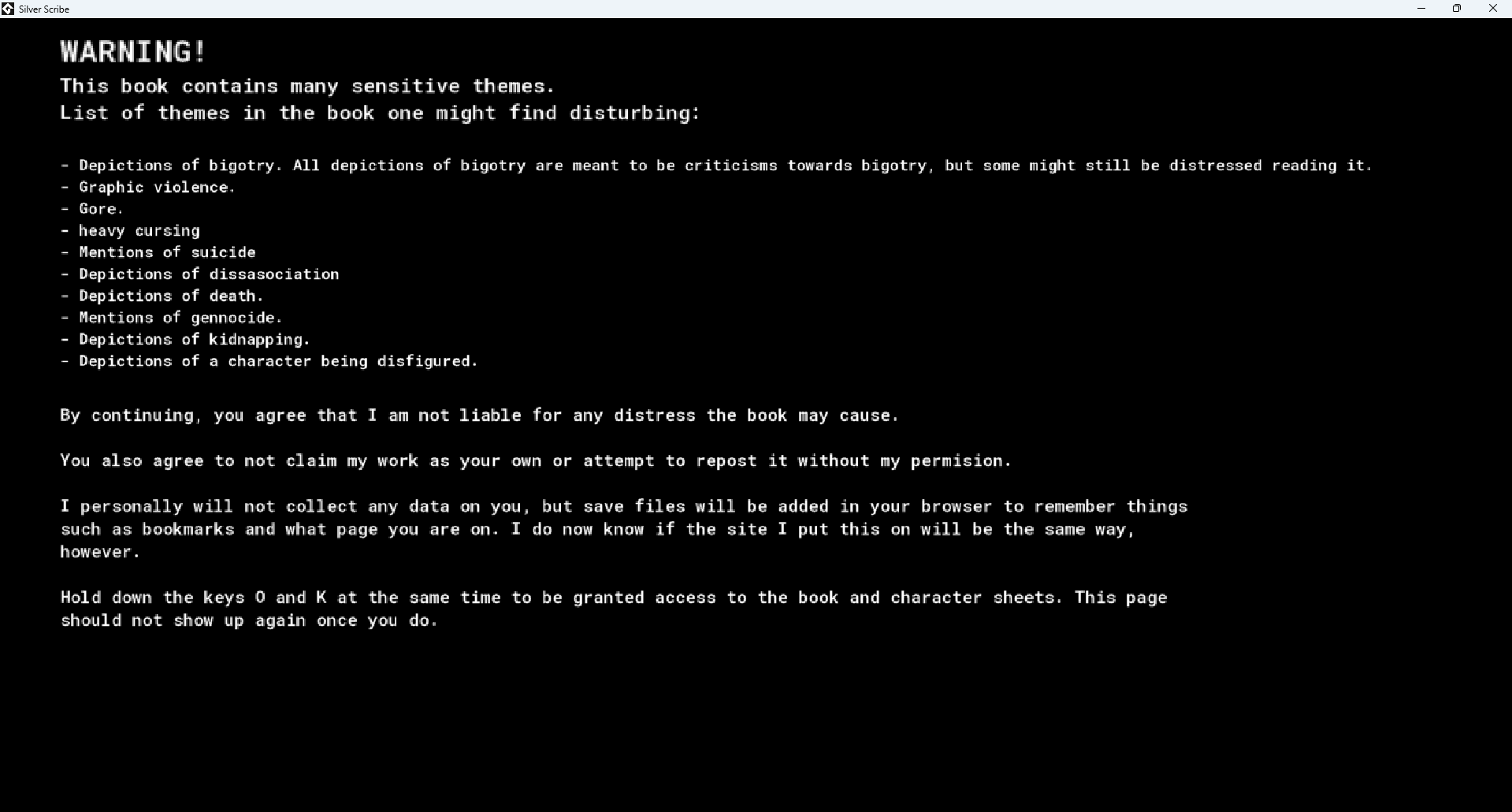
- The warning when opening the app for the first time is shrunken down because I forgot to scale it up with the window resolution. The warning is in the screenshots for the game, and you have to press the keys O and K at the same time to proceed. (PS, I WAS PLANNING TO UPLOAD THIS AS A WEBSITE, BUT THIS DIDN'T WORK, WHICH IS WHY THE WARNING MENTIONS BROWSER. IT JUST USES SAVE FILES)
- When loading a new save, sometimes an extra tab appears. Clicking this tab or reloading the application fixes it, but when it appears, it's behind the main one, so you probably won't notice it until you press G to save the sheet as an image, in which case it will appear in the image. You can check for this by using F to enter full mode.
- The editing UI overlaps with the sheet, making it hard to see sometimes.
- There is no way to delete saves other than entering your files and deleting them manually.
- Saving requires you to input the full name each time, while it should remember what the save is called for easy saving with two button clicks.
- Resizing the sheet in edit mode is too slow when not using the auto-adjust.
- There is no way to rearrange the order of specific entries in a catagory other than manually copy and pasting every single one.
- There are no auto-saves or backup systems to prevent loss if the program crashes or you forget to save.
This is more of a roadmap and list so you can see as I update and fix things.
Download
Development log
- MAJOR UPDATE! YOU CAN NOW MAKE YOUR OWN SHEETS!3 days ago
- Small updates!5 days ago
- New chapter!42 days ago